
Condo & HOA Management Insights
Your Condo Notice Was Sent. But Did Residents Actually Receive It?
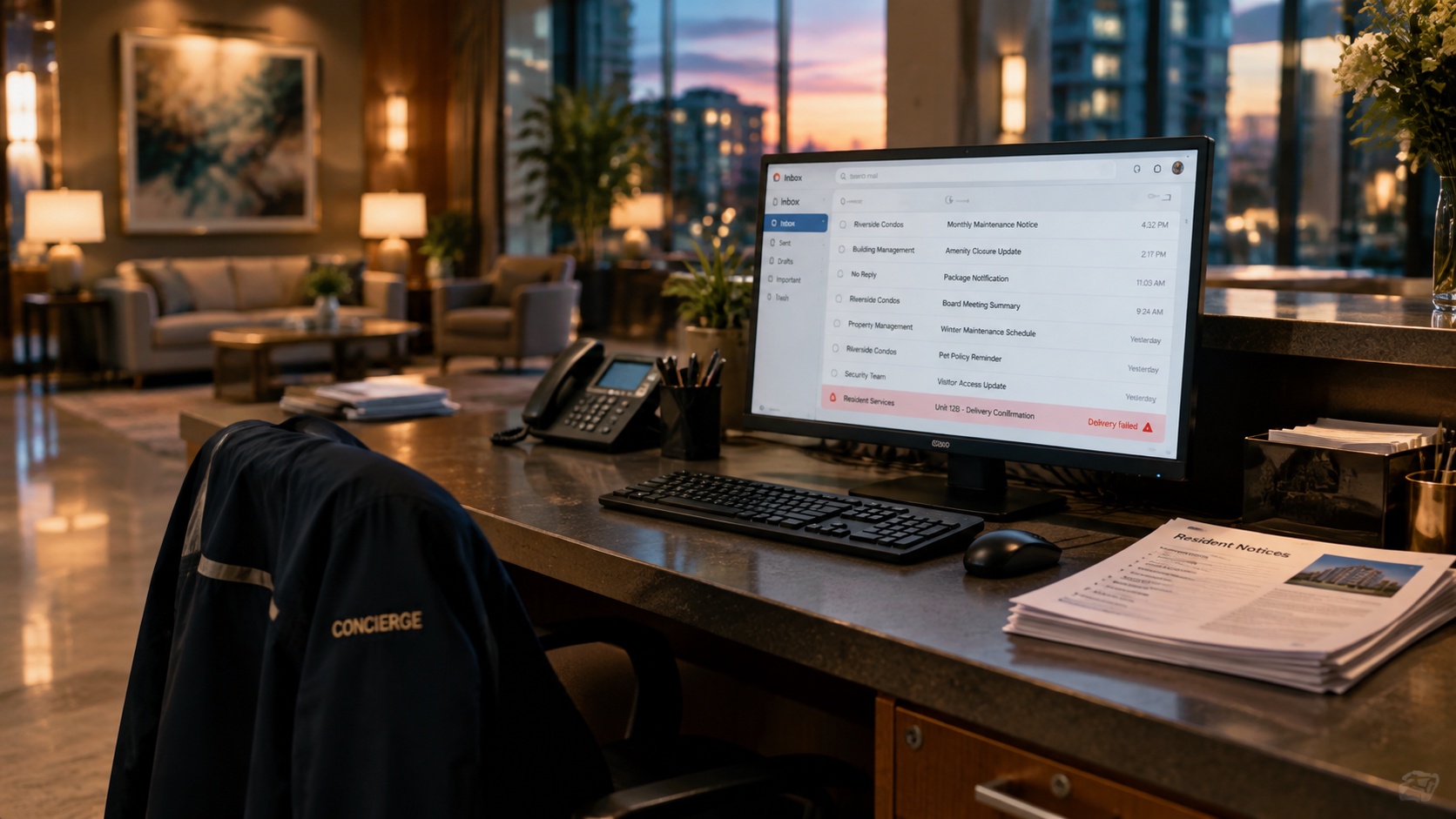
A water shutdown. A fire alarm inspection. An elevator out of service.
Condominium managers send these notices because residents need to know what's happening in their building. Some messages are inconvenient to miss. Others could have serious consequences.
But there's a problem that often goes unnoticed: an email can be sent successfully and still fail to reach some residents.
And the manager might not know until someone complains.
In November 2026, we encountered exactly this situation in Max Condo Club. A building sent two urgent water-shutdown notices. The email provider rejected 34 delivery attempts to 17 residents, even though other emails from the same management office were accepted later that morning.
The incident illustrates an important lesson for condo boards and property managers: sending a notice is only the beginning. Knowing what happened to it, and having a way to follow up, matters just as much.
Why do condominium emails get blocked?
Most people associate spam filters with unwanted advertising, phishing attempts, and suspicious links.
But legitimate building communications can also be affected.
Email providers use automated filtering systems to evaluate incoming messages. These systems consider a combination of factors, including:
- Message content: Unusual formatting, repetitive language, excessive capitalization, and patterns associated with unwanted messages.
- Sender reputation: The provider's history with the sending domain or email infrastructure.
- Email authentication: Whether SPF, DKIM, and DMARC are configured correctly.
- Sending behaviour: Unusual volumes, sudden changes in sending patterns, and other signals.
- Recipient and provider policies: Filtering decisions made by the receiving email service.
There's no universal list of forbidden words that automatically causes an email to be rejected.
A subject line written entirely in capital letters doesn't necessarily mean a message will go to spam. Likewise, a perfectly written email can still be rejected for technical reasons.
What matters is understanding why a particular message failed, rather than assuming every delivery problem has the same cause.
A real example: 17 residents missed a water-shutdown notice
On November 19, 2026, a condominium community sent two notices about an urgent interruption to water service.
The subject lines were written in capital letters, emphasizing the emergency and the shutdown. The messages repeated the urgent warning and included instructions to prevent possible flooding when water service returned.
The information was important. Residents needed to receive it.
However, the email delivery records showed a problem.
Thirty-four delivery attempts, representing two notices sent to the same 17 email addresses, were rejected by Cogeco.
The provider returned this explanation:
Message blocked due to spam content in the message.
What made the situation especially interesting was what happened next.
Approximately 20 minutes later, a routine community update from the same management office was accepted, including at those addresses.
A subsequent notice confirming that water service had been restored was also accepted.
Same community. Same management office. Same receiving email provider.
But different results.
Across that day's records, 39 delivery attempts to Cogeco addresses were rejected with the spam-content explanation. The two water-shutdown notices accounted for 34 of them.
What does this tell us?
The evidence suggests that the failures were related to how those particular messages were evaluated, rather than a complete block on all communications from the building.
But it doesn't establish which words, formatting choices, or other filtering signals caused the rejections. Email providers generally don't disclose their full filtering decisions.
That's an important distinction.
A manager might reasonably assume the entire building's email system has been blocked and begin investigating the sending platform, changing providers, or contacting technical support.
Yet the actual problem may be specific to the message, its delivery characteristics, or the receiving provider's filtering policy.
Without detailed delivery records, these situations are difficult to diagnose.
Five ways to reduce the risk of missed condo notices
No writing technique can guarantee that every email reaches an inbox. But a few good practices can make condominium communications clearer and easier to troubleshoot.
1. Write subject lines for clarity, not drama
A subject line should tell residents exactly what the notice concerns.
Instead of:
EMERGENCY!!! HOT WATER SHUT DOWN!!!
Consider:
Urgent: Hot water interruption in the East Building
The second version still communicates urgency. It also identifies the affected service and location.
The goal isn't to make an emergency sound less important. It's to communicate its importance without unnecessary formatting or repetition.
2. Keep the message direct and useful
Residents generally need to know three things:
- What happened?
- How does it affect them, and for how long?
- What should they do?
For example:
Subject: Water service interruption today
Water service is temporarily unavailable due to an unexpected interruption.
Please ensure all taps are turned off to prevent possible flooding when service is restored.
We will provide another update as soon as we have more information.
Building Management
This communicates the essential information without repeating the subject line, using excessive capitals, or adding unnecessary language.
For a genuine safety emergency, always preserve the instructions residents need to protect themselves and their property.
3. Pay attention to delivery failures, not just the number sent
Imagine sending an elevator maintenance notice to 400 residents.
The system reports that 400 emails were submitted.
That doesn't necessarily mean 400 residents received them.
Some addresses may no longer exist. Others may have full mailboxes. A receiving provider may reject certain messages because of its filtering policies.
These problems require different responses.
A full mailbox generally won't be fixed by rewriting the subject line. An invalid email address needs to be corrected. A spam-content rejection may justify reviewing the message and investigating the provider's filtering decision.
A delivery failure is only useful information when you know what caused it.
4. Follow up with the residents whose messages failed
When an important notice is rejected, sending the identical message repeatedly may not solve the problem.
Instead, the manager should examine the error, review the message where appropriate, and try an appropriate corrective action.
If the failure appears content-related, a clearer version may be worth sending to the affected addresses.
If the same provider continues rejecting the message, the problem may require technical investigation or another communication channel.
And when only a small group is affected, there's no reason to automatically send duplicate notices to every resident who already received the original.
The ideal communication system doesn't just report failures. It makes the next action easy.
5. Use more than email for critical emergencies
Email is an excellent tool for routine building communication. But it shouldn't be the only method for delivering information that demands immediate action.
For urgent situations, property managers should have an established procedure that may include building announcements, telephone calls, SMS, resident portal notifications, or direct contact.
The right approach depends on the urgency and the building's communication policies.
An email delivery report helps identify where a follow-up may be necessary. It doesn't replace an emergency communication plan.
Sent, accepted, opened: What do email delivery reports actually mean?
These terms are often used interchangeably, but they describe different things.
| Email status | What it tells the manager |
|---|---|
| Sent | The message has been submitted for delivery. |
| Accepted or delivered | The receiving mail server accepted the message. It may still be filtered into a spam folder. |
| Opened | A tracking signal suggests the message was opened, although privacy features can make this unreliable. |
| Clicked | A tracked link was accessed, though automated security scanners can sometimes trigger clicks. |
| Rejected or bounced | The receiving system reported that delivery failed, often with a reason. |
For condominium managers, this distinction matters.
A message accepted by an email server isn't proof that a resident saw it, understood it, or acted on it.
And the absence of an open notification doesn't necessarily mean a resident ignored the message.
Good communication reporting helps managers understand what is known, what failed, and what still needs attention.
What boards should expect from their building's communication system
Condominium boards don't need to become email deliverability experts.
But they should expect their management teams to have visibility into important communications.
Consider a board reviewing an incident involving a planned water interruption.
The questions shouldn't stop at, "Was an email sent?"
A more useful review asks:
Did the notice reach the intended email providers? Were any messages rejected? Can management identify which addresses failed? Was the problem corrected? And if the notice was critical, was another communication method used?
Those questions turn email reporting from an administrative detail into a practical part of building operations.
They also help management distinguish between a technical delivery failure and a resident who simply didn't read an accepted message.
How Max Condo Club helps managers identify and recover from failed emails
Max Condo Club's Email Merge helps building managers understand what happened after a communication was sent, and gives them practical ways to address delivery problems.
A confirmation report after every mailing
Once Email Merge finishes processing a mailing, the manager receives a send confirmation report.
Instead of having to return to the system to check whether the mailing completed, the manager is notified and can review the outcome.
If delivery failures have been recorded, the report provides a way to follow up, including an option to resend to failed recipients.
This is particularly useful for buildings communicating with hundreds or thousands of residents. Managers can focus on the addresses that need attention rather than starting the entire mailing again.
For time-sensitive announcements, reducing the steps between identifying a failure and taking action can make a meaningful difference.
Understand why a message was rejected
Email Merge also preserves provider-reported delivery errors alongside the affected recipients.
For example:
Message blocked due to spam content in the message.
That explanation helps managers distinguish a content-related rejection from other issues, such as an invalid email address or a full mailbox.
It also helps them decide whether resending is appropriate.
If a message was rejected because of suspected spam content, the manager may need to revise the wording or investigate the sending configuration before attempting another delivery.
The resend option makes following up easier, but it doesn't guarantee that an unchanged message will be accepted.
From sending a notice to closing the loop
The November 19 water-shutdown incident illustrates the value of this approach.
The management office didn't need to assume that Cogeco had permanently blocked its building communications. The delivery records showed that other messages were being accepted.
Instead of treating the issue as an unexplained technical failure, management could identify the affected recipients, examine the rejection reason, and determine an appropriate follow-up.
This is the difference between a communication system that simply sends emails and one that helps managers respond when something goes wrong.
Better building communication starts with knowing what happened
A missed newsletter might be a minor inconvenience.
A missed notice about a water shutdown, fire safety inspection, or emergency maintenance could be much more serious.
The difference isn't simply how well the message is written. It's whether management can identify delivery failures and respond appropriately.
For property managers, that means fewer unanswered questions and less time spent guessing why a resident didn't receive a notice.
For boards, it means better oversight of an important operational responsibility.
And for residents, it means a better chance of receiving the information they need, when they need it.
Because the most important measure of a building notice isn't how many emails were sent. It's whether the people who needed the information could be reached.
See what happens after your building sends an email
Max Condo Club helps condominium managers communicate with residents, receive confirmation when mailings finish, review delivery failures, and follow up with affected recipients.
Discover how Email Merge can help your management team identify communication problems and take action with greater confidence.
Book a 15-Minute DemoAbout the case study: The example is based on Max Condo Club Email Merge records from November 19, 2026. There were 39 Cogeco delivery rejections carrying a spam-content error. Thirty-four were associated with two water-shutdown notices addressed to the same 17 recipients. Other messages from the same management office were subsequently accepted. These observations do not establish the precise filtering cause or represent an overall delivery failure rate across MCC buildings or email providers.